
Your Credentials.
Always Ready.
No more endless scrolling. No more missed expiries.
Organised
Secure
AI-Powered
THE CHALLENGE
Where's that certificate?
When does it expire?
Tickets, licences, certificates and qualifications — when you work across different sites and jobs, keeping track of them all can be a job in itself.
THE CREDIMATE SOLUTION
All your credentials.
One digital wallet.
Credimate gives you one simple place to keep your work credentials organised, up to date and ready to share.
CORE CAPABILITIES
Credential management. Made simple.
01
SNAP IT OR SEND IT
Take a photo of a credential or send it straight to Credimate. Credimate reads the key details and helps organise it for you — no folders, screenshots or digging through old emails.
02
NEVER MISS AN EXPIRY
Know what’s coming up before it becomes a problem. Credimate keeps track of expiry dates and reminds you when your credentials are due for renewal.
03
BUILD A CREDIPACK
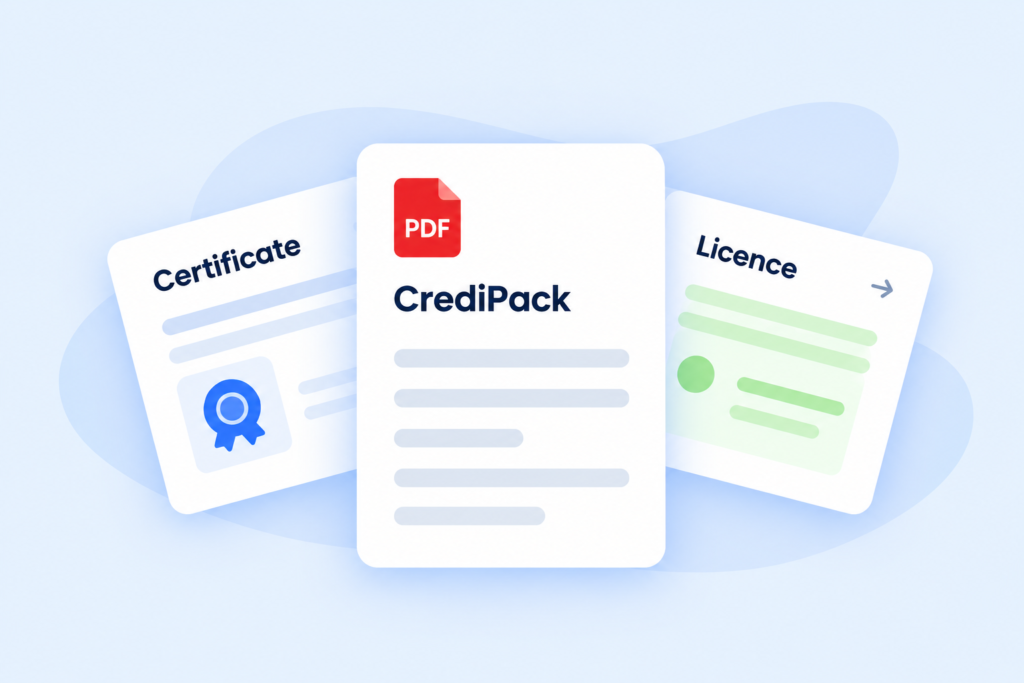
Need to show you’re site ready? Select the credentials you need and create a professional CrediPack PDF that’s ready to download and share.
04
EVERYTHING IN ONE PLACE
Keep your tickets, licences, certificates and other work credentials together, so they’re easy to find whether you’re on site, starting a new job or completing compliance paperwork.
BUSINESS VALUE
Your Credentials.
Ready when you are.
With Credimate, you can:
Store your work credentials in one place
Add credentials by photo or email
Keep track of expiry dates
Get reminders before credentials expire
Create and download CrediPack PDFs
Download your documents whenever you need them
Find the credential you need without searching through emails or your camera roll
FAQ
FAQs about
Credimate
What is Credimate?
Credimate is an AI-powered digital credential wallet for work tickets, licences and certificates. It helps you organise documents, track expiry dates and create CrediPack PDFs to download and share.
Can I use Credimate to manage my own credentials?
Yes. Credimate is designed for individuals as well as businesses. Keep your work credentials together, stay on top of renewals and prepare the documents you need for a new job or site.
How does Credimate help businesses manage employee credentials?
Credimate helps businesses organise workforce credentials, monitor expiry dates and prepare credential packages for specific requirements. It makes work documents easier to find and renewal dates easier to track.
What types of credentials can I store in Credimate?
You can store work tickets, licences, certificates and other work credentials. These may include first aid certificates, construction induction cards, equipment licences and training certificates.
Can I add credentials by photo or email?
Yes. Take a photo of your credential or send it straight to Credimate by email. Credimate reads the key details and helps organise the document in your credential wallet.
How does Credimate’s AI document processing work?
Credimate uses AI to read key details from the credentials you provide and help organise them. This reduces the manual work involved in turning individual documents into organised credential records.
Does Credimate track expiry dates and send renewal reminders?
Yes. Credimate tracks credential expiry dates and sends reminders before renewal is due. You can see what is coming up and plan ahead before a ticket, licence or certificate expires.
What is a CrediPack, and how do I create one?
A CrediPack is a professional PDF containing selected credentials. Choose the credentials needed for a job, site or other requirement, then create a CrediPack to download and share.
How does Credimate make work credentials easier to find?
Credimate keeps your work credentials together in one digital wallet. You can find the document you need without searching through email attachments, computer folders or your camera roll.
Can I download my documents from Credimate?
Yes. You can download your stored documents whenever you need them. You can also create and download a CrediPack PDF when you want to share a selected group of credentials.
A Smarter home
For your Credentials.
From your own credentials to your team’s, keep the essentials organised and ready to share.